
So, I’ve been playing around with Airwallex lately, mostly for my small side hustle. You know, trying to figure out the best way to manage those cross-border payments without getting absolutely hammered by fees. That’s why I ended up deep-diving into both their desktop website and the mobile app experience. Man, what a difference a screen size makes!
Starting on Desktop: The Power User Experience
I kicked things off on my desktop. Naturally, you always assume the full website is where the real power lives, right? And honestly, it delivers. When I first logged in, the sheer amount of information thrown at you is intense but useful.
- Setting up Accounts: Opening new currency accounts was super straightforward. I clicked around, saw all the options—USD, EUR, GBP—and within minutes, I had three new wallets active. It was very quick; like, suspiciously quick.
- Batch Payments: This is where the desktop really shines. I had to send out payments to about seven contractors in different currencies. Doing this via the batch upload feature on the desktop was seamless. I downloaded their template, filled in the details, uploaded it, confirmed, done. Trying to manage that spreadsheet situation on a small screen? Forget it.
- Digging into Reports: The reporting section is huge. I spent maybe an hour just filtering transactions, pulling statements, and categorizing expenses. The wide screen estate is perfect for viewing those dense tables and graphs. I could see everything without constant scrolling or toggling.
The desktop site feels like a serious tool for serious money management. It’s dense, maybe a bit overwhelming at first, but if you’re doing heavy lifting—multiple transfers, compliance checks, or deep reporting—the desktop is the spot.
Moving to Mobile: The Daily Driver
Then I switched to the mobile app for my day-to-day checking and quick transfers. This is usually what I grab when I’m out or just quickly need to see if a payment landed.
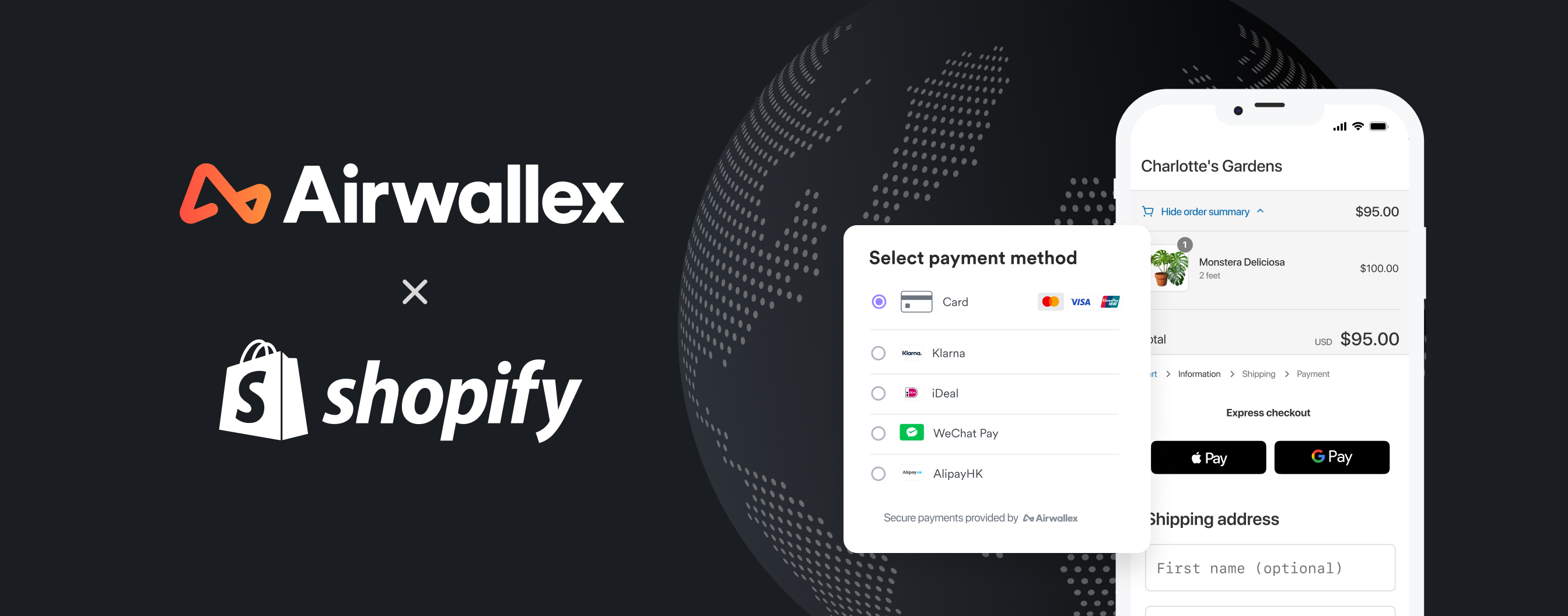
The difference in design philosophy is immediate. The mobile app stripped away the complexity and focused on the essentials. It was clean, fast, and highly intuitive—a total contrast to the desktop’s crowded dashboards.
- Checking Balances: Logging in via biometric authentication is a breeze. The home screen immediately shows your main currency balances in big, clear tiles. I don’t have to hunt for the numbers I care about.
- Quick Transfers: Sending a payment to a saved beneficiary is lightning fast. Tap, select amount, confirm face ID, gone. If I’m just sending a quick $100 to a supplier I use all the time, the mobile experience crushes the desktop’s multi-step process.
- Notifications and Alerts: I actually found the mobile notifications more useful. Whenever a payment went through or a transfer arrived, I got a clean ping on my phone instantly. I felt more ‘on top’ of my cash flow using the app.
However, the mobile app definitely had limitations. I tried pulling that detailed quarterly statement I needed for my accountant while waiting in line for coffee. Nope. The reporting features are scaled back, and I couldn’t find the complex filters I relied on desktop. And definitely no batch payment uploads!
The Verdict I Settled On
After using both for a month, I realized you don’t pick one—you need both. They serve completely different purposes.
Desktop is for setup, power moves, and deep analysis. If I’m opening a new market, setting up new payees, or pulling the year-end financial data, I’m glued to my laptop. The extra screen real estate lets me process large amounts of data without losing my mind.
Mobile is for maintenance, monitoring, and quick action. Checking balances three times a day, approving a fast payment while walking, or getting those immediate alerts—that’s the mobile domain. It’s designed for speed and convenience, not deep configuration.
So, is one better? Not really. They complement each other perfectly. I start heavy on desktop and coast smoothly on mobile for everything else. You definitely miss out if you only stick to one platform.