Getting Started with the Airwallex Borderless Card for Ads
So, I finally pulled the trigger and decided to test out the Airwallex Borderless Card for my ad spend. You know how it is—always looking for ways to cut down on those annoying foreign transaction fees and all that mess. Heard good things, but you never really know until you try it yourself, right?
First thing I did was sign up. The process was surprisingly smooth. I was expecting a ton of hoops to jump through, like with some of the bigger banks, but nope. Just filled out the basic stuff, got verified in a couple of days, and I was good to go. They make it pretty easy to open accounts in different currencies, which is exactly what I needed since I run ads in US dollars, Euros, and sometimes even GBP.
Funding the Account and Setting Up the Card
The next big hurdle was actually funding the thing. I transferred some money from my main business bank account—a simple bank transfer. It landed faster than I thought it would, honestly. I chucked a couple thousand USD in there to start, just enough for a week or two of test spending on Facebook and Google Ads.
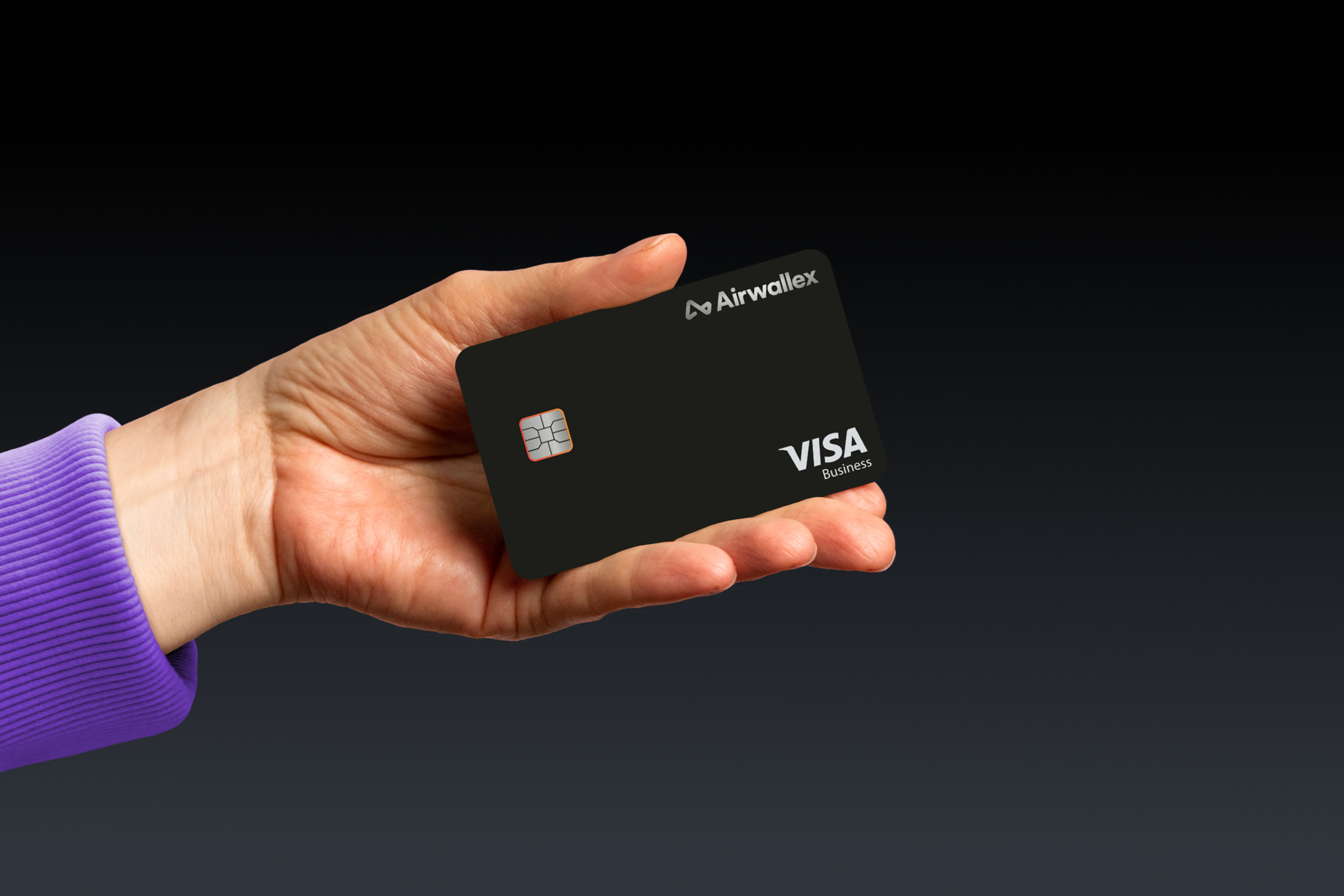
Creating the Borderless Card itself was simple. You literally just click a button in the dashboard, choose the currency you want the card pegged to (I chose USD for my initial test), and they give you the details right there—instant virtual card. No waiting for plastic, which is a huge win when you’re trying to move fast.
The Real-World Ad Platform Test: Facebook and Google
This is where the rubber meets the road. I immediately went to my Facebook Ad Manager. I added the new Airwallex card details just like any other card. Checked the billing address details—made sure everything matched up with the platform’s requirements. Clicked save. No issues. Facebook accepted it straight away, which was a relief. Sometimes those platforms can be finicky with new payment methods.
I did the same over on Google Ads. Navigated to the billing section, punched in the card numbers. Again, seamless. Google took it without a hitch. This was better than my last attempt with some other fintech solution that got flagged immediately.
- Facebook Spend: Started running daily budget campaigns, about $200 a day.
- Google Spend: Focused on search campaigns, hitting about $150 a day.
I kept a close eye on the transactions. The beauty of this thing is seeing the transactions hit instantly and knowing exactly what conversion rate they used if I was spending in a currency different from the card’s base (though for this test, USD card spending USD was simple). The exchange rates Airwallex uses when I later tested a Euro spend were way better than what my old bank was charging me. That 3% fee reduction alone is going to add up fast.
Monitoring and Managing Spend
What I really appreciated was the control in the Airwallex dashboard. I could easily monitor how much was being spent in real-time. I also loved the feature where you can set spending limits on the virtual cards. For ad spend, that’s key. If Facebook decides to go wild for some reason, I don’t want them draining my entire account. I set a reasonable monthly cap on both the FB and Google cards just for peace of mind.
I also tested topping up the card mid-spend. Ran the balance low intentionally, initiated a quick top-up from the multi-currency account balance, and the funds reflected immediately. Zero downtime in the ad campaigns due to payment issues. That’s crucial for performance marketing.
The Final Tally: After running ads for about 10 days, everything went smoothly. Zero declined payments, clear transaction history, and significantly better foreign exchange rates when I tested a small GBP ad buy later on. The Borderless Card definitely passed the real-world ad spend test. It solved the pain points I had with high fees and slow transaction processing from traditional banking solutions.