Login Locked: What to Do When 2FA Fails
Man, let me tell you, getting locked out of your own account because of a crappy Two-Factor Authentication setup is the absolute worst. It happened to me last week, and I swear, I almost threw my laptop across the room. I wanted to share my whole messy journey, just so maybe someone else can avoid my pain.
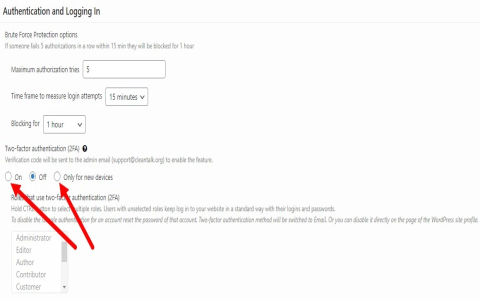
It started simple enough. I was trying to log into this old cryptocurrency exchange platform—don’t ask why, I was chasing some ancient dust I forgot about. I punched in my password, easy peasy. Then came the 2FA prompt. Now, I’m usually super careful, but this particular account was so old I hadn’t touched it in maybe two years. I pulled out my phone, went to my authenticator app, and nothing. Nada. The entry for that exchange was just gone. Poof.
I immediately panicked. I remembered switching phones a few months back and being meticulous about transferring my secrets, but clearly, I missed this one. Or maybe the app glitched during the migration. Either way, I was stuck. I couldn’t log in, and I didn’t have the key.
The Hunt for the Recovery Key
The first thing I did was check every single cloud drive and backup folder I own. I remember distinctly saving those lengthy, ugly recovery codes—the 16 or 24-digit ones they give you when you first set up 2FA. I dug through:
- My ‘Passwords and Secrets’ folder on my desktop.
- My encrypted notes app archives.
- My old email inbox, searching for keywords like ‘2FA setup’ or ‘recovery code’.
- My physical paper notebook where I sometimes scribble these things down (yeah, I’m old school sometimes).
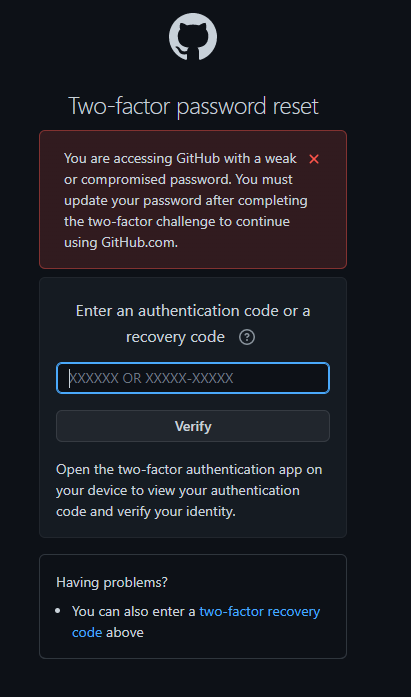
For about thirty minutes, I felt like a detective in a cheap movie. I found recovery codes for GitHub, my banking app, even my old forgotten Myspace account (kidding, mostly), but not this stupid crypto exchange. I started getting that cold sweat feeling.
Dealing with Customer Support: The Black Hole
Since I struck out on my own recovery efforts, I had to face the inevitable: customer support. Ugh. I navigated to the exchange’s “Lost 2FA” page, which was about as helpful as a screen door on a submarine. It directed me to submit a support ticket, which required:
- My ID number and login email.
- A photo of my government ID (front and back).
- A “selfie” of me holding a handwritten note with the date and the specific phrase “Reset 2FA for [Exchange Name]” clearly visible.
This felt invasive, but what choice did I have? I grumbled, got the lighting right (because apparently, they reject blurry photos), and uploaded everything. I immediately got an automated response saying typical resolution time was 5-7 business days. Five to seven days of anxiety, great.
The Waiting Game and the Twist
I waited five days. Nothing. Zero confirmation, zero progress. I checked the ticket status, still marked “Pending Review.” I fired off another email, trying to sound polite but increasingly desperate. I mentioned potential market movements, just to add a bit of urgency. That was on a Friday.
Then, the twist. On Monday morning, I woke up to an email. Not from the original support thread, but from a generic “Security Notification” address. It said my 2FA had been successfully disabled, and I needed to log in immediately to reset it. No apology, no explanation, just a curt instruction.
I rushed to the site, logged in successfully using just my password (which felt terrifyingly exposed), and immediately, I mean immediately, re-enabled 2FA. This time, I didn’t mess around. I scanned the QR code with two separate authenticator apps (one on my primary phone, one on a dedicated backup tablet) and, most importantly, I screenshotted the recovery key, printed it out, and put it into my physical fireproof safe. I am absolutely paranoid now.
So, the lesson learned? Don’t trust technology. Double up on your backups, and when setting up 2FA, treat the recovery code like the keys to your kingdom. Because when that key fails, getting back in is an absolute bureaucratic nightmare.