
Linking Airwallex to PayPal: How to Withdraw Without Issues
Man, I gotta tell you about this recent struggle I had trying to pull money out of PayPal and into Airwallex. It sounds simple, right? Two big payment systems, should just click. Nope. It was a messy little journey, but I finally figured out the trick, and now I’m sharing it so you don’t have to pull your hair out like I did.
The Initial Disaster: PayPal Said No
My goal was straightforward: move USD I had sitting in my PayPal balance straight to my Airwallex multi-currency account. I figured I’d just add Airwallex as a bank account on PayPal. Simple. I logged into Airwallex, grabbed the US routing number and account number they give you for receiving USD—the virtual account details. Went over to PayPal, punched them in under ‘Link a bank account’.
First attempt? Failed instantly. PayPal gave me some vague error message about not being able to verify the bank details. I tried again, double-checking everything. Still failed. I thought, maybe it’s the virtual bank thing? So I dug around Airwallex’s dashboard.
The Realization: It’s Not a Regular Bank
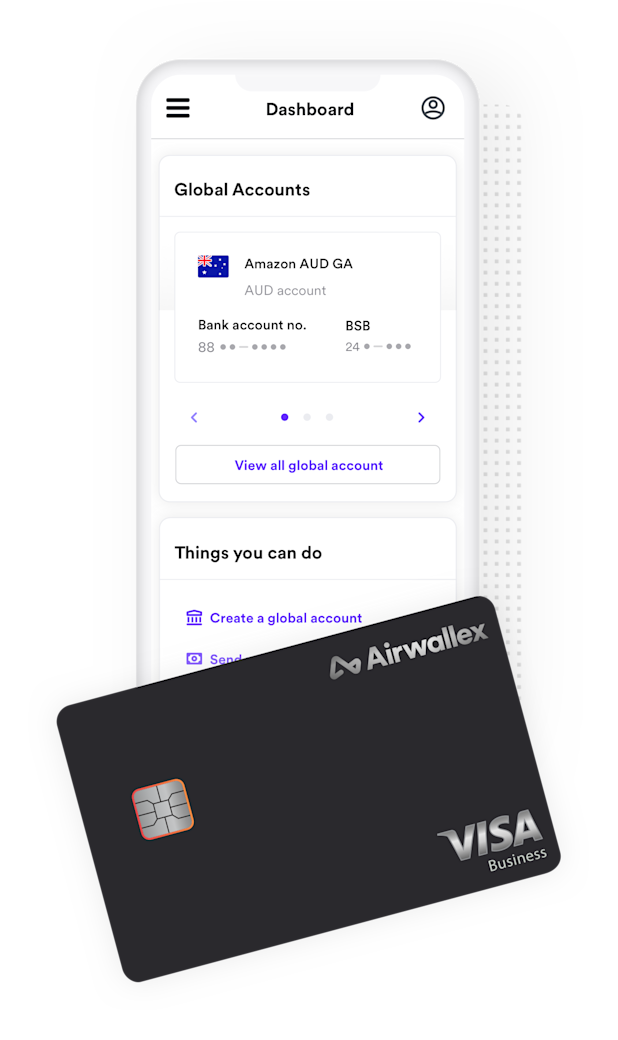
I realized Airwallex isn’t seen by systems like PayPal as a traditional big-name bank. It’s a payment infrastructure, which is cool for business, but a pain for linking. I started reading forums and it was a mixed bag—some people claimed it was impossible, others said they did it years ago but now it’s broken.
I decided to try linking Airwallex’s main account details, not just the local USD ones. Airwallex also gives you SWIFT codes and intermediary bank details. Tried that. Worse. PayPal just completely rejected the SWIFT code format. Dead end number two.
The Secret Sauce: Linking as a US Bank Account (The Specific Way)
I went back to the US virtual account details. I looked closely at the details Airwallex provided. It showed a ‘Bank Name,’ a routing number, and an account number. The Bank Name was usually something generic like ‘Community Federal Savings Bank’ or similar, depending on who Airwallex partners with at the moment to hold the funds.
- I logged into PayPal again.
- Clicked ‘Link a bank account.’
- Instead of rushing through, I paid close attention to the bank type.
- I used the 9-digit routing number and the account number provided by Airwallex for the US account.
Here’s the kicker that made it work for me: When PayPal asks for the bank name, I didn’t type ‘Airwallex’. I typed the actual partner bank name associated with my Airwallex USD account, which was listed right on the Airwallex transfer details page. For me, at that time, it was a specific small bank. Suddenly, instead of an instant rejection, PayPal said, “We need to confirm this bank.”
The Confirmation Process
This is where PayPal sends two tiny deposits—usually just a few cents—into the linked account. This took about two business days to show up in my Airwallex statement. I was refreshing my Airwallex Activity tab like a maniac until I saw: $0.05 and $0.11.
I immediately went back to PayPal, entered those two exact amounts, and BANG! Account confirmed. Airwallex was now successfully linked as a US bank account.
Withdrawing Without Issues
Once linked, withdrawing was smooth sailing. I initiated a test withdrawal of about $50 USD from my PayPal balance to the newly linked Airwallex account. The withdrawal cleared within one business day, showing up instantly in my Airwallex USD wallet. No extra fees from PayPal beyond their standard withdrawal fee, and Airwallex charges nothing to receive standard USD transfers.
If you’re dealing with this, stop trying to explain to PayPal that Airwallex is a financial platform. Just treat it like a regular third-party US bank account, making sure you use the specific partner bank name and the correct routing/account details. That’s the entire secret sauce.