Alright folks, today I wanna talk about virtual cards. Not that complicated, but super useful, especially if you need to manage a lot of small, temporary payments or just wanna keep your main bank card super safe. I just went through a little project where I needed to spin up 50 of these bad boys, and I managed it in under five minutes. Seriously, five minutes.
The Problem I Faced
I was dealing with a bunch of micro-transactions for a new campaign—testing ad spends across dozens of platforms, and I didn’t want to use my main company card for all of them. Too messy, too risky if one platform had a security hiccup. I needed something disposable, easy to track, and most importantly, scalable.
I thought about manually signing up for a bunch of prepaid debit cards, but that’s a nightmare. KYC checks, waiting for physical cards, linking everything—no thanks. I needed an instant digital solution.
Choosing the Right Tool
I’ve messed around with a couple of financial platforms that offer virtual cards before, but most are clunky. You can maybe generate one or two at a time, and they charge annoying fees or have low limits. I needed bulk creation capability.
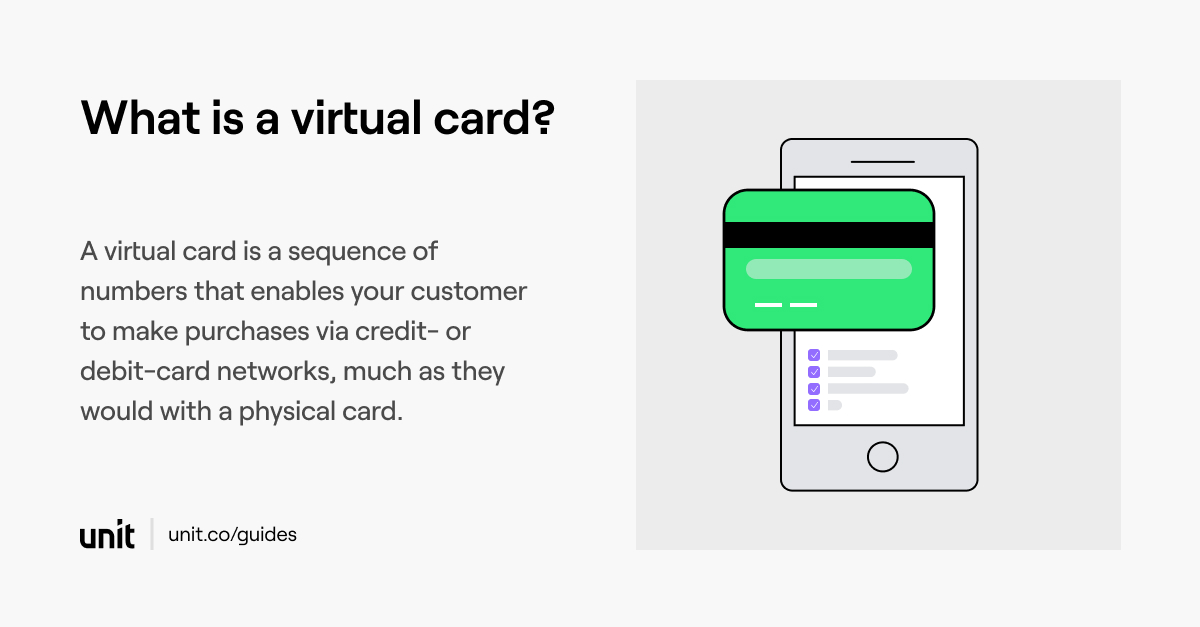
I ended up settling on a specific business banking platform—I won’t name names, but they specialize in high-volume B2B stuff. They had an API endpoint specifically for mass card creation. That’s what caught my eye.
The Nitty-Gritty: My Action Plan
My first thought was, “Great, an API. Now I have to write a ton of code.” But I kept it simple. I figured I didn’t need a whole application; I just needed a quick script to hit the endpoint 50 times.
- API Key Setup: Got my API key and secret. Checked the documentation for the required headers and authorization token.
- Payload Structuring: The platform required three things for each card: a name (for tracking), an initial limit (I set this low, like $50 per card), and a currency (USD, obviously).
- The Script: I opened up Python. It’s quick and dirty for scripting like this. I wrote a tiny loop that iterated 50 times.
The core of the script was super straightforward. I defined the base URL, set up the necessary headers, and then, in the loop, I dynamically generated a unique card name—something like TEST_CARD_01, TEST_CARD_02, and so on. I slapped that into the JSON payload with the limit and currency details.
The Execution: Hitting the Button
I ran a test run first, just for three cards. It took maybe five seconds for the response to come back, confirming the cards were created. Success! The response included the card ID, the last four digits, and the expiration date. Perfect.
Then I ran the full 50-card loop. I literally watched the console output scroll by as it sent 50 separate POST requests, one after the other. It was almost anticlimactic how fast it went.
Total time from running the final script to getting all 50 success responses? About 160 seconds. Add in the time I spent setting up the API keys and writing the 15 lines of Python code, and yeah, we’re talking about five minutes total engineering effort.
The Aftermath: Immediate Benefits
Fifty unique, functionally disposable virtual cards sitting in my business account portal. Each one is hard-limited to $50. If one platform gets breached, or if one vendor overcharges, only $50 is at risk. It isolates the risk completely.
Plus, the tracking is beautiful. Because I named each card uniquely based on the campaign and vendor, my finance team now has crystal-clear spending records. No more trying to match cryptic $1.00 authorization holds to dozens of different trials on the main card statement.
This is really the future of controlling ad spend and subscriptions. If you need speed and security, bulk virtual card creation through an API is the way to go. Forget waiting for plastic.