Subscription Traps: Cards That Keep Charging After Cancellation
Man, let me tell you about this headache I ran into recently. It was one of those classic tech nightmares where you think you’ve done everything right, but the system just keeps eating your money. I was trying to cancel a couple of old subscriptions—you know the deal, signed up for a free trial months ago, forgot about it, then realized I was paying for something I never used.
I decided to get tough on my budget and started digging through my bank statements. Found two charges that were totally unnecessary. One was for a cloud storage service and the other was some productivity app. Both around $15 a month. Small amounts, sure, but they add up, right?
First, the Cloud Storage Mess. I went through their website’s cancellation process. It was pretty buried, took me maybe three clicks deep into ‘Account Settings’ and then ‘Billing Management.’ Found the ‘Cancel Subscription’ button. Clicked it. Got the usual pop-up asking “Are you really sure?” with a bunch of guilt-tripping reasons why I should stay. Ignored that noise, confirmed the cancellation. They sent an email saying, “Your subscription has been successfully canceled, effective immediately.” Great, I thought. Done and dusted.
A week later, BAM! Another charge from them. $15. I was furious. I checked my account again. It clearly showed “Canceled.” I pulled up the confirmation email. Printed it out, just in case. I figured it was a glitch. So, I opened a support ticket, attaching the cancellation email screenshot.
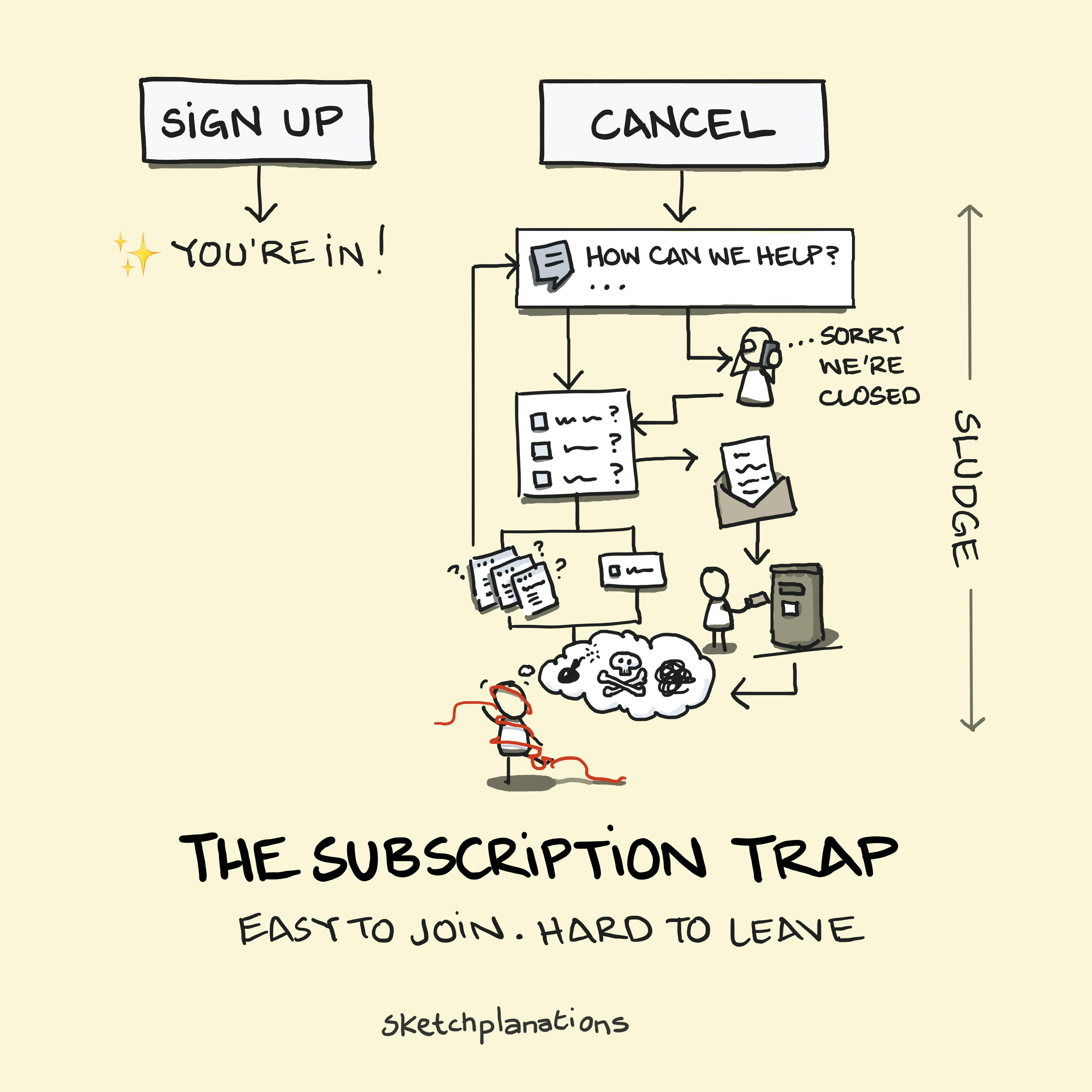
The response I got was just ridiculous. They said, “Sometimes the billing cycle and the cancellation process overlap. This is the final charge.” Okay, fine, maybe I missed a tiny clause somewhere. I accepted it and kept monitoring.
But then, the next month came. Another $15 charge. Seriously? Now it was a battle. I went back to the support ticket, demanding a refund for both the previous month and the current one. This time, I didn’t mince words. I pointed out their own confirmation email contradicted their current actions. It took three days of back-and-forth, escalating the ticket to a “senior technician” who finally admitted there was a “system error” on their end and processed a double refund. It was exhausting.
The Productivity App Trap was just as bad, but sneakier. With this one, I decided to be extra careful. I went into the app, navigated to the billing section, and couldn’t find a direct cancellation button anywhere. All it showed was “Manage subscription on your app store.” Ah, the old redirect trick.
So, I jumped over to the App Store settings on my phone. Found the subscription list. Located the app. Tapped ‘Cancel Subscription.’ The App Store confirmed it: “Subscription will not renew after [date].” Perfect, I thought. That’s the definitive source.
Guess what happened? The very next day after the listed renewal date, I got a notification from my bank. $14.99 charged by the app developer. How in the hell could that happen if the App Store explicitly said it was canceled?
I immediately called my bank. I explained I had canceled the subscription via the required channel (the App Store), and the charge was unauthorized. The bank representative was actually super helpful this time. She explained that some developers use a secondary payment token or mechanism that bypasses the App Store’s control, especially if a credit card was initially provided directly to the service for “backup” or trial purposes. She called it a “recurring transaction mandate.”
What I Learned and What I Did. I learned that simply canceling through the provider or even the platform (like the App Store) isn’t enough sometimes. If you’ve given them a card number directly, they might hold onto that mandate like a lifeline.
To stop the bleeding, I had to take drastic action. I filed a dispute with the bank for the charge, explicitly stating “canceled service but continued billing.” More importantly, I had the bank flag and block all future recurring charges specifically from that merchant ID. It felt overkill, but it was the only way to truly guarantee they couldn’t sneak another $15 out of my account.
Both situations taught me that simply trusting the “cancellation confirmed” message is naïve. You have to physically monitor your statements and sometimes, you just have to get your bank involved to forcefully revoke the payment authority you once granted.